Vault URL: vault.lucaciresearch.net
Mobile App: Bitwarden
Server Type: Vaultwarden
¶ 1. Creating an account
Ask Alex to invite to invite you to the Vaultwarden instance.
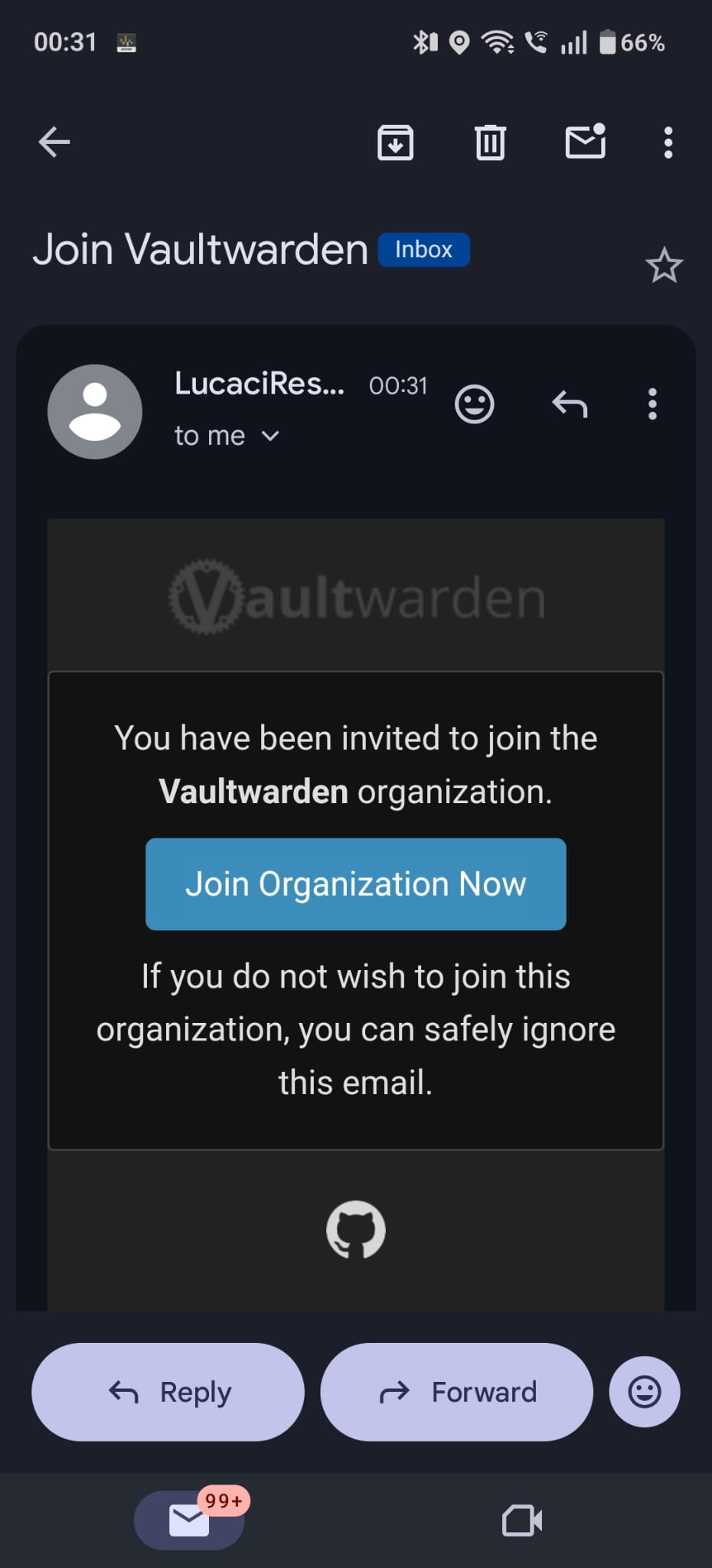
You will receive an email with an invitation link. Create your account.
| Click on the "Join Organization Now" button to create your account. | Setup a password for your accout. Take care that you do not reuse your passwords. | After logging in with the new account, you will see an empty vault. |
|---|---|---|
 |
.png) |
.png) |
Instructions for Alex
Invite the user to the Vaultwarden instance by using the admin console.¶ 2. Join the Clockworks Organization
Ask Alex to invite you to the organization.
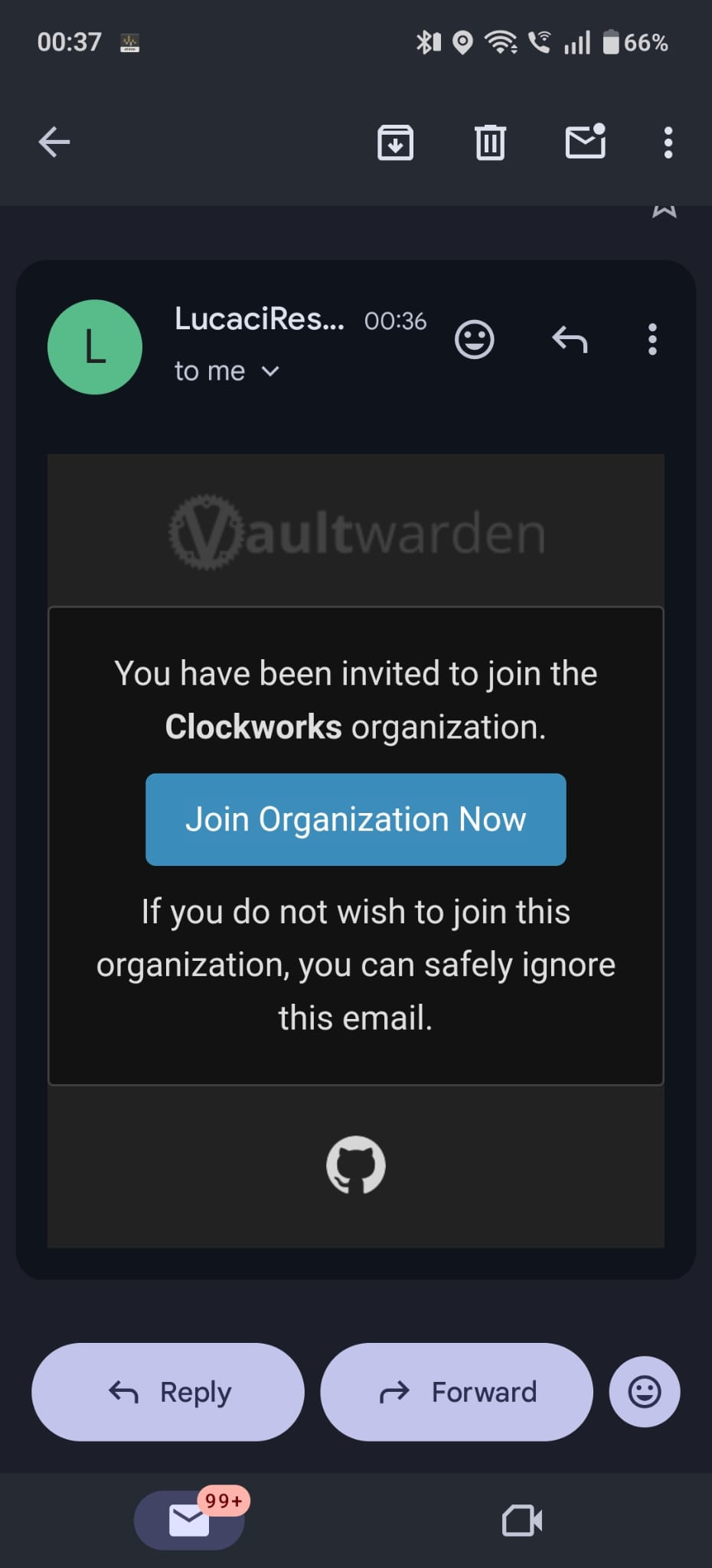
You will receive an email with the invitation link. Login with your already created account.
| Click on the "Join Organization Now" button to join the Organization. | You will see an empty vault. Ask Alex to Confirm the invitation from his side. | You can now access our passwords. |
|---|---|---|
 |
.jpeg) |
.png) |
Instructions for Alex
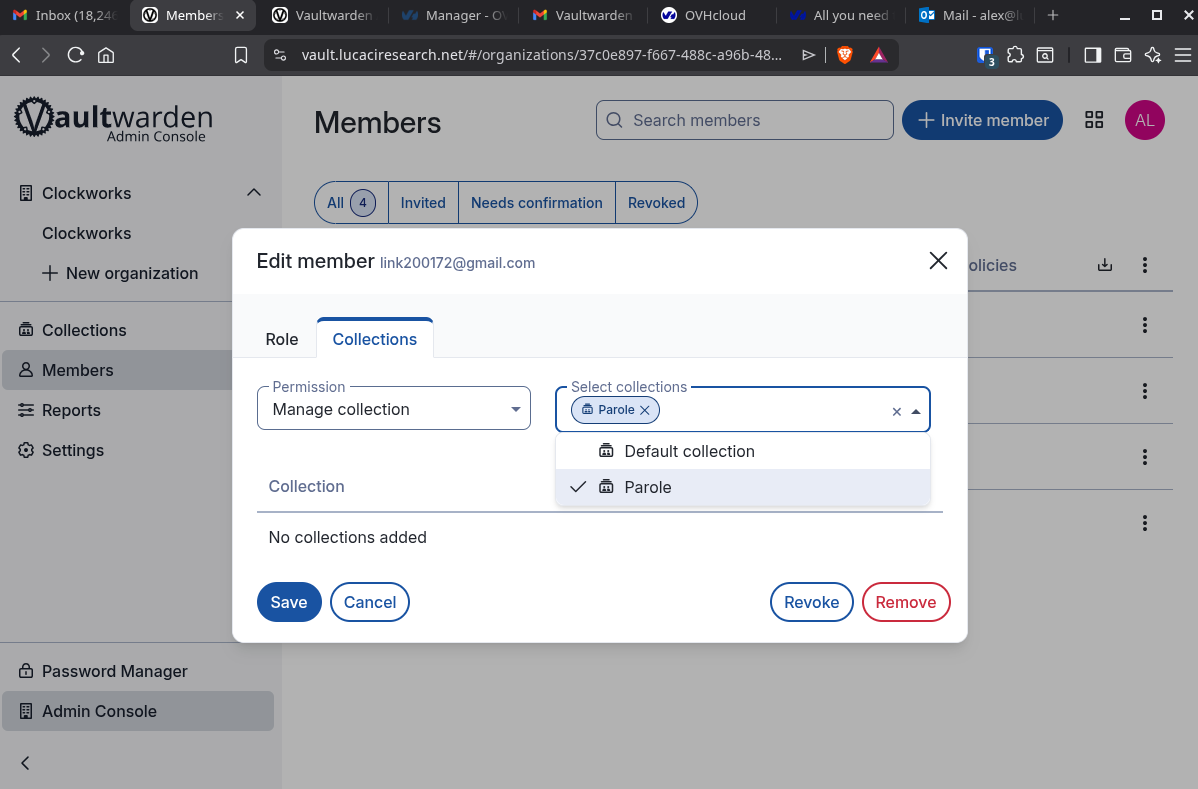
Invite the user to the Org from the Org admin console area in the web vault. Type their email in the invitation box. As user type, select User. Wait for the user to accept the invitation.After accepting, you need to confirm again on your side. After confirmation, edit the member's permissions for collections. Set the Manage Collection permission on the Parole collection and save.
¶ 3. Configure the mobile app
Download the Bitwarden app from your phone's app store.
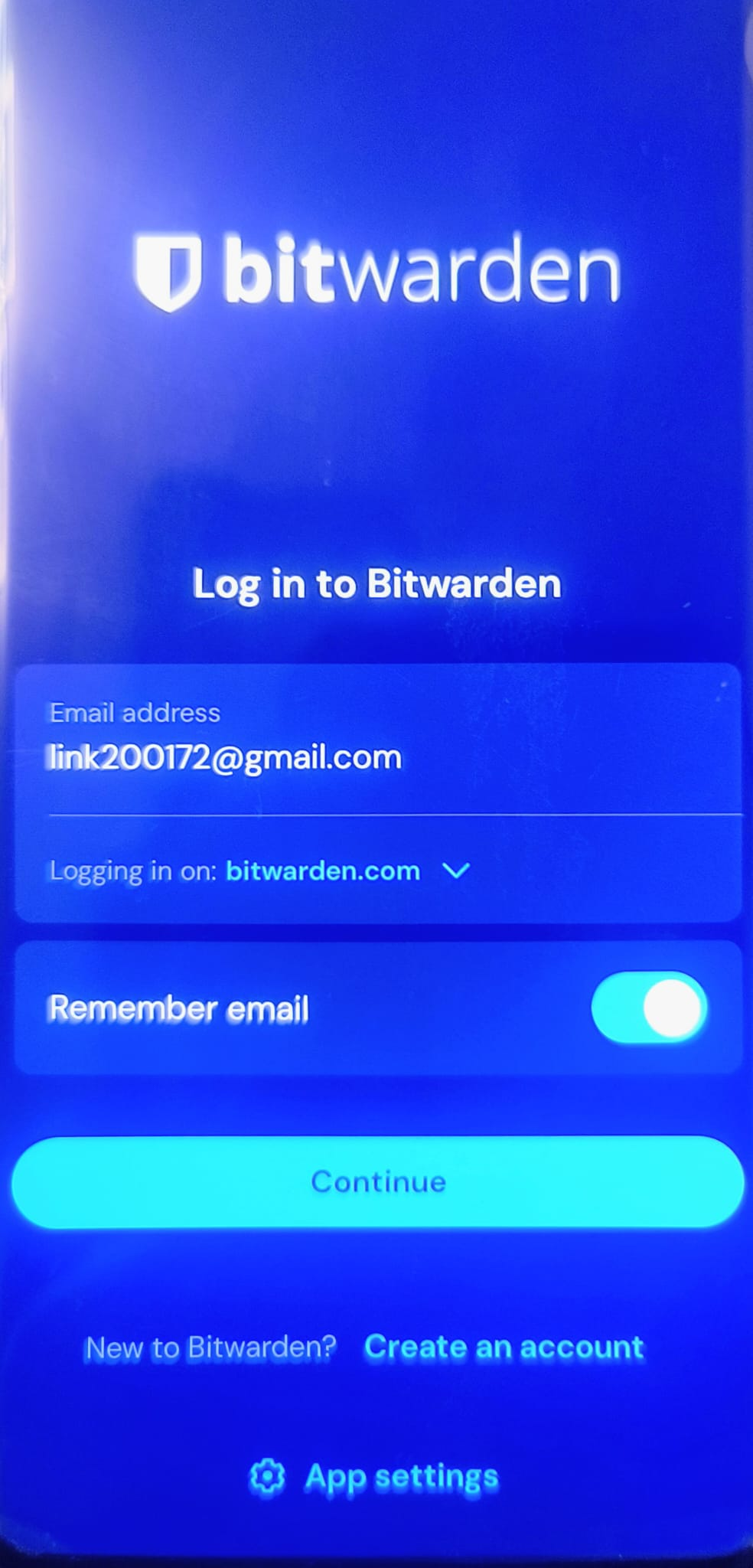
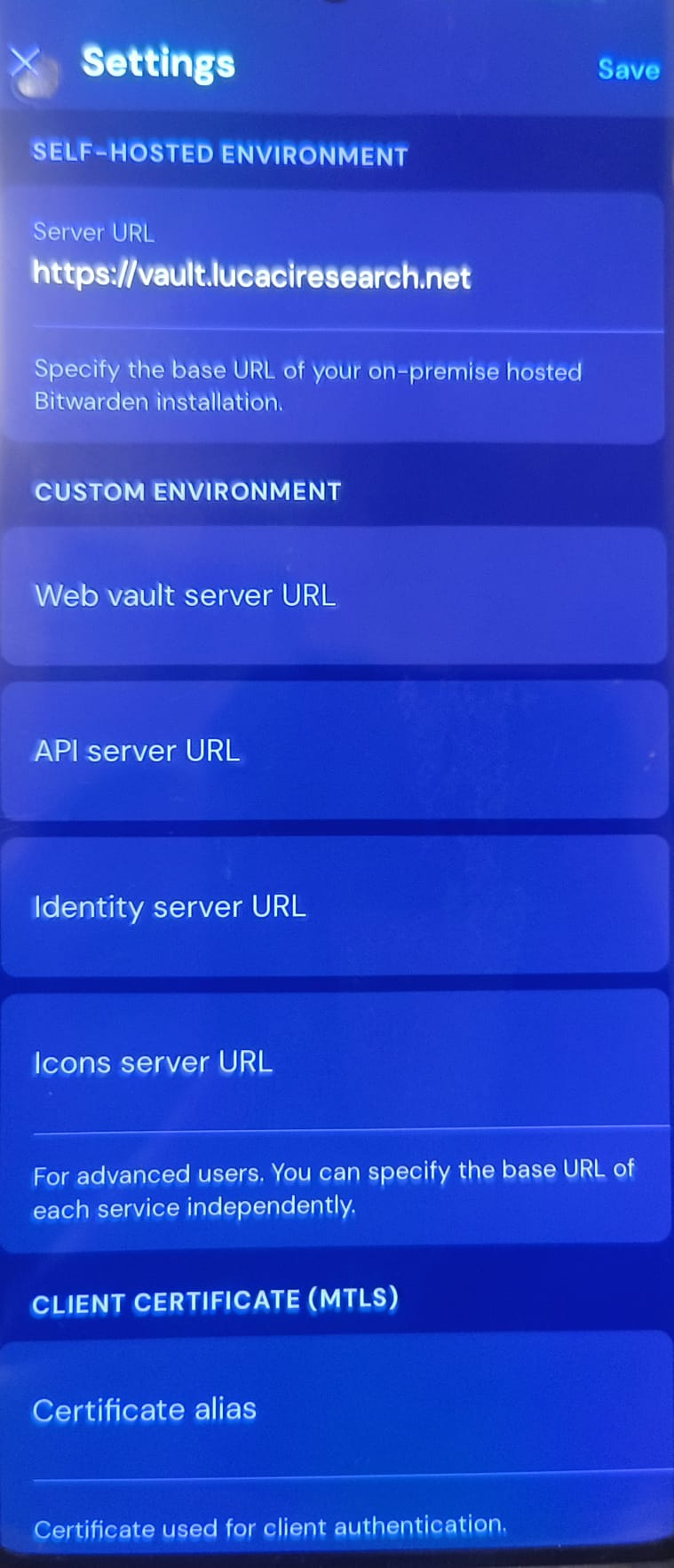
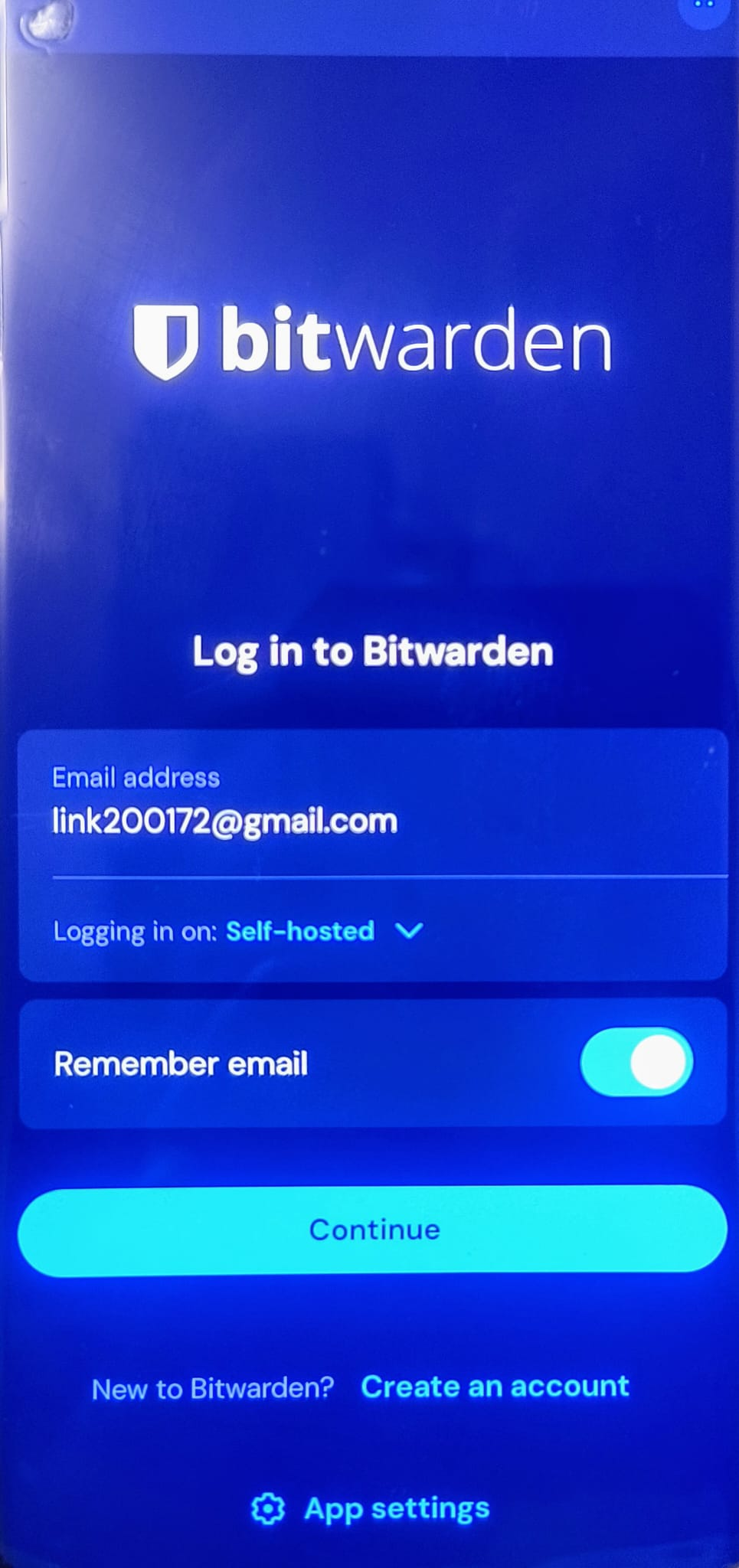
| Set the "Logging in on" option from "bitwarden.com" to "Self-Hosted" | Set the "Server URL" to https://vault.lucaciresearch.net and Save |
Login with your email and password. You can now access the credentials from your mobile phone. |
|---|---|---|
 |
 |
 |